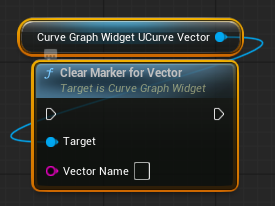
UCurveGraphWidget
Widget for rendering static or sampled curves with multiple layers.
FCurvePoint
Represents a single point in the graph.
- X: Horizontal value
- Y: Vertical value
FCurveLayer
Represents one curve (line) in the graph.
- Name: Layer identifier
- Points: List of points forming the curve
- Color: Line color
- Thickness: Line thickness
Layers
- Holds all curve layers in the graph, indexed by their name. Each entry contains the curve data and its visual settings.
Range Settings
- bAutoRange: Automatically fits graph to data
- MinX / MaxX: Horizontal range
- MinY / MaxY: Vertical range
Domain Override
- bOverrideDomain: Enables custom X range override
- MinXOverride / MaxXOverride: Forced horizontal range
Grid Settings
- GridLinesX: Number of vertical grid divisions
- GridLinesY: Number of horizontal grid divisions
- GridColor: Grid line color
- bShowLabels: Toggle axis labels
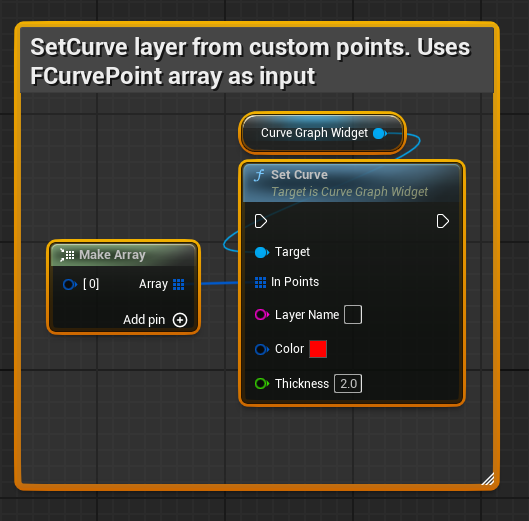
SetCurve
Sets a curve from explicit point data.
- InPoints: Array of points
- LayerName: Target layer name
- Color: Line color
- Thickness: Line thickness
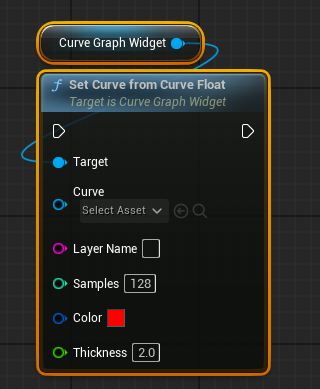
SetCurveFromCurveFloat - this one from Miscellaneous/Curve
Samples a float curve asset and creates a graph layer.
- Curve: Source curve asset
- LayerName: Target layer name
- Samples: Number of sampled points
- Color: Line color
- Thickness: Line thickness
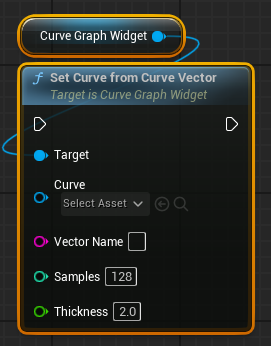
SetCurveFromCurveVector - this one from Miscellaneous/Curve
Samples a vector curve asset and creates three layers (X, Y, Z).
- Curve: Source vector curve asset
- VectorName: Base name for layers (X, Y, Z)
- Samples: Number of sampled points
- Thickness: Line thickness
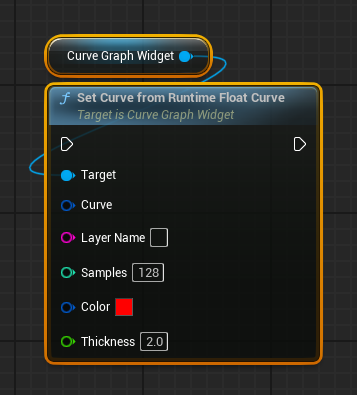
SetCurveFromRuntimeFloatCurve
Samples a float curve asset and creates a graph layer.
- Curve: Source curve asset
- LayerName: Target layer name
- Samples: Number of sampled points
- Color: Line color
- Thickness: Line thickness
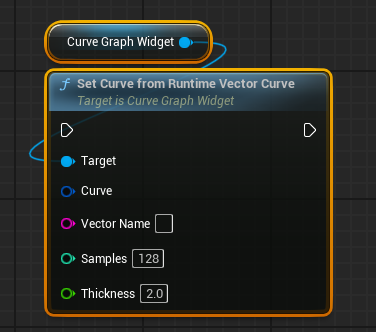
SetCurveFromRuntimeVectorCurve
Samples a runtime float curve and creates a graph layer.
- Curve: Runtime curve data
- LayerName: Target layer name
- Samples: Number of sampled points
- Thickness: Line thickness
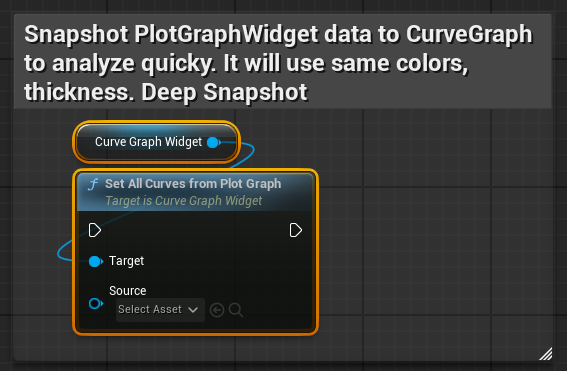
SetAllCurvesFromPlotGraph
Copies all layers from a plot graph into this widget as curves.
- Source: Plot graph widget
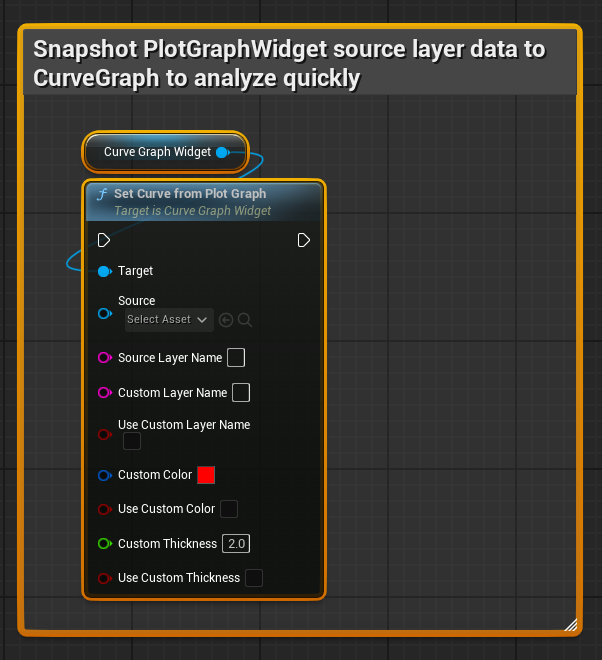
SetCurveFromPlotGraph
Copies a single layer from a plot graph into this widget.
- Source: Plot graph widget
- SourceLayerName: Name of the source layer
- CustomLayerName: Optional override name
- bUseCustomLayerName: Use custom name if true
- CustomColor: Optional override color
- bUseCustomColor: Use custom color if true
- CustomThickness: Optional override thickness
- bUseCustomThickness: Use custom thickness if true
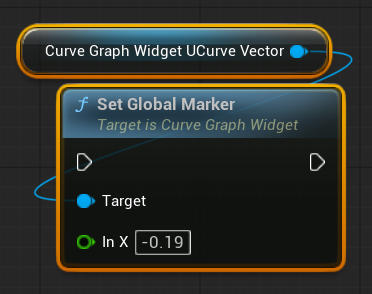
SetGlobalMarker
Copies a single layer from a plot graph into this widget.
- Source: Plot graph widget
- InValue: Global marker value input
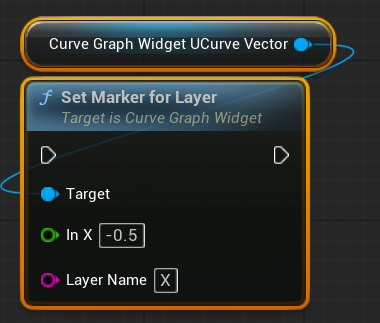
SetMarkerForLayer
Copies a single layer from a plot graph into this widget.
- Source: Plot graph widget
- InValue: Global marker value input
- LayerName: Name of the source layer
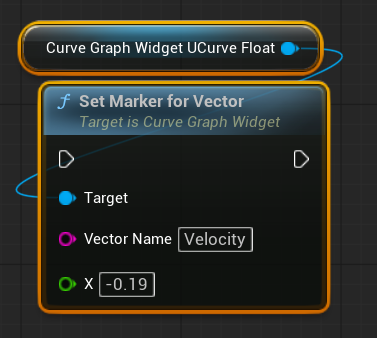
SetMarkerForVector
Copies a single layer from a plot graph into this widget.
- Source: Plot graph widget
- VectorName: Name of the vector
- InValue: Global marker value input
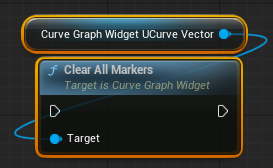
ClearAllMarkers
Clear all markers including global markers.
- Source: Plot graph widget
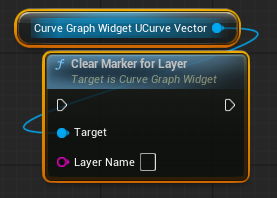
ClearMarkerForLayer
Copies a single layer from a plot graph into this widget.
- Source: Plot graph widget
- LayerName: Name of the source layer
ClearMarkerForVector
Copies a single layer from a plot graph into this widget.
- Source: Plot graph widget
- VectorName: Name of the vector